Home
Getting Started
Getting Started
Accessing your account
Signing in to the Screenfluence portal — with a password, with a verification code, or through your company's single sign-on. The portal is the website where you manage everything that plays on your screens.
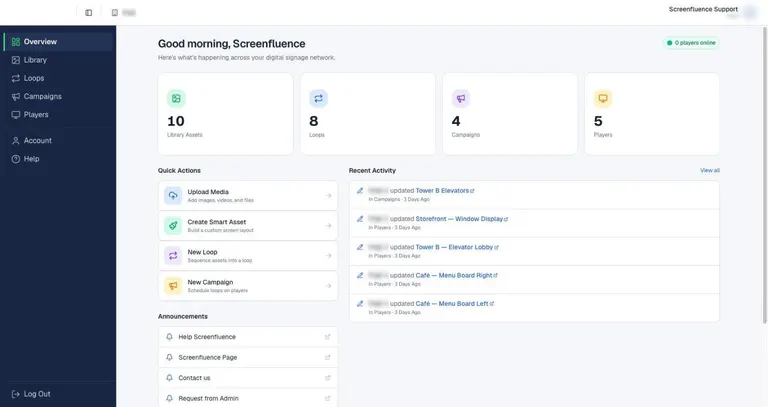
Your dashboard
What you see on the Overview page — the first screen after signing in — and how to read your whole signage network at a glance.
First-time setup — from box to screen
Everything from opening the box to seeing your content play. Your media player arrives already registered to your account — there's no pairing or activation step. Setup is just power, TV, and internet.
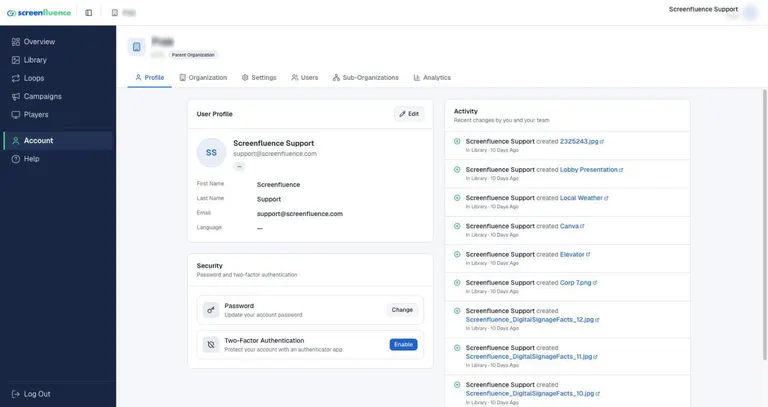
Account settings & your profile
The Account area — your profile, password, two-factor authentication, the interface language, and the organization-wide defaults for loops, the Library, and the Screen Editor.
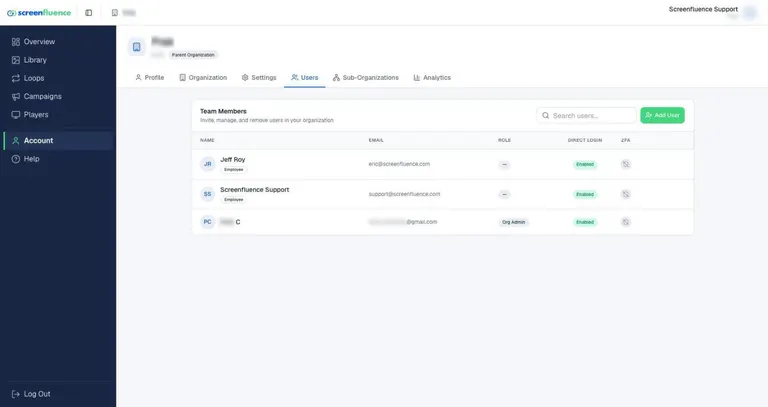
Managing users & roles
Adding teammates to your Screenfluence account, choosing their role, and removing users. There's no per-user charge — every teammate should have their own login.
Need help?
Didn’t find what you were looking for? We’re here to help.
Contact us